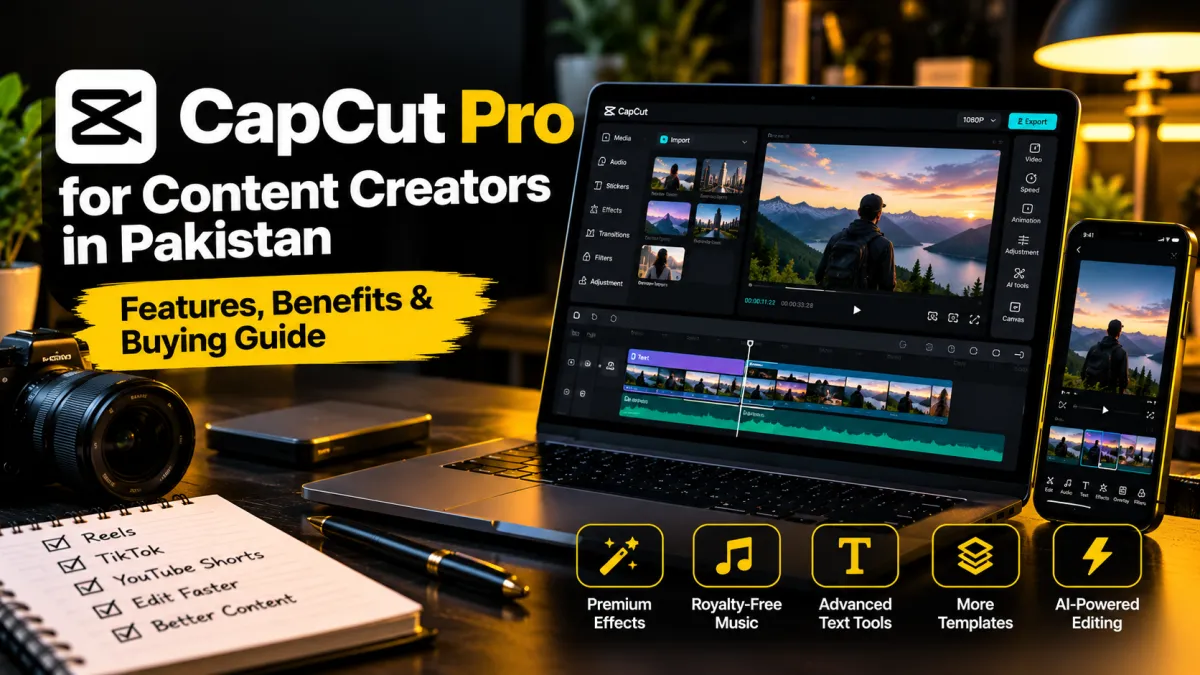
CapCut Pro for Content Creators in Pakistan: Features, Benefits & Buying Guide
Short-form videos are an important format for creators, freelancers and businesses. Whether you publish Instagram Reels, TikTok videos, YouTube Shorts or product videos, an efficient editing workflow can help you produce content more consistently.
CapCut is a video-editing platform used for creating and editing social media content. Its available features and subscription options can vary by device, region and account. This guide helps you decide whether a paid plan is worth considering for your workflow.
What Is CapCut Pro?
CapCut offers video-editing tools for creators working with short videos and other formats. Its paid offerings may provide access to additional assets or capabilities, depending on the current plan and region. Always check the official plan details for the account and device you intend to use.
Who May Benefit from a Paid Video Editor?
- Content creators: people who regularly publish Reels, Shorts or TikTok videos.
- Freelance video editors: professionals managing multiple client projects.
- Small businesses: teams producing product demonstrations and promotional videos.
- Online sellers: sellers who create product showcases and short advertisements.
- Educators: people producing tutorials, explainers and course clips.
Potential Benefits for Your Editing Workflow
Before paying for a subscription, identify which features you actually need. Depending on the current plan, paid features may include premium editing assets or other advanced capabilities.
- More flexibility when creating a consistent visual style.
- Access to selected premium assets or features included in the plan.
- A smoother workflow for recurring editing tasks, where supported.
- More options for tailoring videos to different content formats.
These benefits depend on the plan available to you. Do not assume that every advertised feature is available in every country, on every device or in every account.
CapCut Free vs. Paid: How to Decide
The free version may be sufficient if you only make occasional edits and your existing tools cover your needs. A paid plan is worth considering when a specific included feature solves a recurring problem or improves a workflow enough to justify the cost.
- Choose free first: if you are learning editing or publish videos occasionally.
- Consider paid access: if you repeatedly need particular premium assets or tools that are not included in your current plan.
- Review your workload: if editing is part of paid client work, calculate whether the subscription cost makes sense for your business.
What to Check Before Buying CapCut Pro in Pakistan
- Plan details: confirm which features and duration are included.
- Device compatibility: verify that the plan supports the device and operating system you use.
- Account access: understand whether the product is an official subscription, a license or another type of access.
- Renewal terms: check expiry, renewal and cancellation conditions.
- Seller support: read the delivery, replacement and refund policies before paying.
- Account security: avoid sharing your password or verification codes with an unknown seller.
Where Should You Verify Features and Availability?
Plans, prices and regional availability can change. Check CapCut's official website and the relevant app store listing for current information before making a purchase.
Visit the official CapCut website.
Is CapCut Pro Worth It for Freelancers?
It may be worthwhile if you use the included paid features frequently and they save enough time or help meet client requirements. It may not be necessary if your current editor already handles your projects well.
List the features you need, compare the current subscription terms and estimate how often you will use them. This is a better way to decide than buying a plan simply because it is labelled Pro.
Frequently Asked Questions
Is CapCut Pro necessary for making Reels?
No. You can create short videos with free editing tools. A paid plan is only worth considering when you need features that are specifically included in that plan.
Does CapCut Pro include every premium feature in every region?
Not necessarily. Availability can vary by region, platform, account and plan. Check the current official details before subscribing.
What should I check when buying a subscription online?
Confirm the product type, duration, supported device, delivery method, renewal terms and seller's support or replacement policy. Avoid sellers who cannot clearly explain what they provide.
Can a paid editing tool guarantee viral videos?
No. Results depend on the idea, storytelling, audience fit, video quality, pacing and distribution. Editing software is only one part of the process.
Final Verdict
CapCut Pro may be useful for creators who need its specific paid capabilities, but it is not essential for everyone. Start with your actual editing requirements, verify the current plan and purchase only when the benefits justify the cost.
Exploring video-editing products? Browse the available video-editing tools at Saste Tools and check the current product details, subscription duration and support terms before ordering.