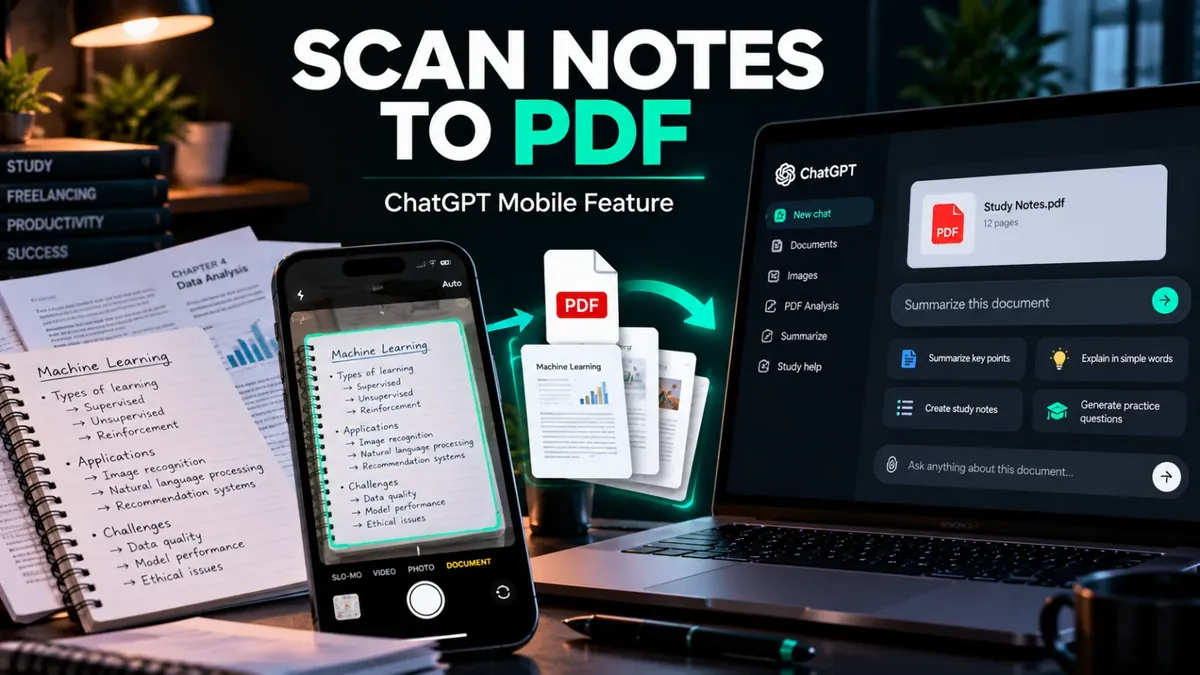
ChatGPT Se Notes Scan Karke PDF Kaise Banayein? New Feature Guide
Students aur professionals ke liye handwritten notes ko digital format mein organize karna ab aur aasaan ho sakta hai. OpenAI ne ChatGPT mobile app mein notes aur documents scan karne ka feature introduce kiya hai. Is feature se aap multiple pages scan karke unhein ek PDF mein combine kar sakte hain, jise baad mein ChatGPT ke saath analyze bhi kiya ja sakta hai.
Is guide mein hum dekhenge ke ChatGPT Scan feature kaise kaam karta hai, ise kaise access karein aur scanned documents se study summaries banwane ka practical tareeqa kya hai.
ChatGPT Scan Feature Kya Hai?
ChatGPT ka Scan option mobile app ke camera workflow ka hissa hai. Is se aap physical notes ya documents ke multiple pages capture kar sakte hain. App un pages ko combine karke ek PDF banati hai, jise aap chat mein upload karke uske content ke baare mein sawal kar sakte hain.
Misal ke taur par, agar aapke paas class ke handwritten notes hain, to unhein scan karke PDF banayein aur ChatGPT se key points, difficult concepts ki explanations ya revision questions tayyar karne ko keh sakte hain.
ChatGPT Se Notes Scan Karke PDF Kaise Banayein?
- Apne iPhone par ChatGPT app open karein.
- ChatGPT ke camera option tak jayein.
- Three-dot menu open karein aur Scan option select karein.
- Apne notes ya document ke pages ek ke baad ek capture karein.
- Scan complete hone ke baad generated PDF ko check karein.
- PDF ko chat mein use karke apne document se related sawal poochein.
Note: OpenAI ke mutabiq, multi-page scanning ka rollout iOS par ho raha hai. Agar aapko Scan option nazar nahi aa raha, to feature abhi aapke account ya app version ke liye available na ho. App update check karein aur official release notes dekhte rahein.
Scanned PDF Se Study Notes Kaise Banwayein?
PDF scan karne ke baad aap ChatGPT ko clear instructions de sakte hain. Behtar results ke liye apna purpose, language aur output format specify karein.
1. Important points nikalne ke liye
Prompt: "Is PDF ko read karo aur chapter ke 10 most important points simple Roman Urdu mein summarize karo. Koi important concept miss na karna."
2. Difficult concepts samajhne ke liye
Prompt: "Is document mein diye gaye concepts ko beginner-friendly language mein examples ke saath explain karo. Jo information document mein nahi hai, use clearly identify karna."
3. Exam revision questions ke liye
Prompt: "Is PDF se 15 practice questions banao: 10 MCQs aur 5 short questions. Pehle questions do aur answers end mein separate section mein likho."
Students Aur Freelancers Ke Liye Kya Faide Hain?
- Students: Class notes ko digital form mein organize aur revise kar sakte hain.
- Teachers: Printed material se revision questions tayyar karne mein madad le sakte hain.
- Freelancers: Meeting notes aur reference documents ko ek jagah organize kar sakte hain.
- Content creators: Research notes se outlines aur content ideas develop kar sakte hain.
Behtar Results Ke Liye Zaroori Tips
- Document ko achhi roshni mein scan karein.
- Pages seedhe rakhein aur text ko clear capture karein.
- PDF upload karne ke baad check karein ke handwriting ya diagrams sahi read hue hain.
- Important facts, calculations aur references ko original document se verify karein.
- Private ya sensitive documents upload karne se pehle apni privacy settings aur data-sharing preferences samajh lein.
Kya Ye Feature Har User Ke Liye Available Hai?
OpenAI ki announcement ke mutabiq, multi-page document scanning iOS par roll out ho raha hai. Availability app, account aur rollout status ke mutabiq different ho sakti hai. Android par option available hone ka assume na karein; apni app mein check karein aur official release notes follow karein.
Final Thoughts
ChatGPT ka Scan feature physical notes ko digital workflow mein lane ka ek useful option ho sakta hai. Students scanned PDF se summaries aur practice questions banwa sakte hain, jabke professionals apne documents ko analyze karne mein AI ki madad le sakte hain. Results ki accuracy ke liye scanned text ko zaroor review karein.
Agar aap AI aur productivity tools explore karna chahte hain, to Saste Tools par available digital tools check karein. Purchase se pehle product listing, included features aur access details confirm kar lein.