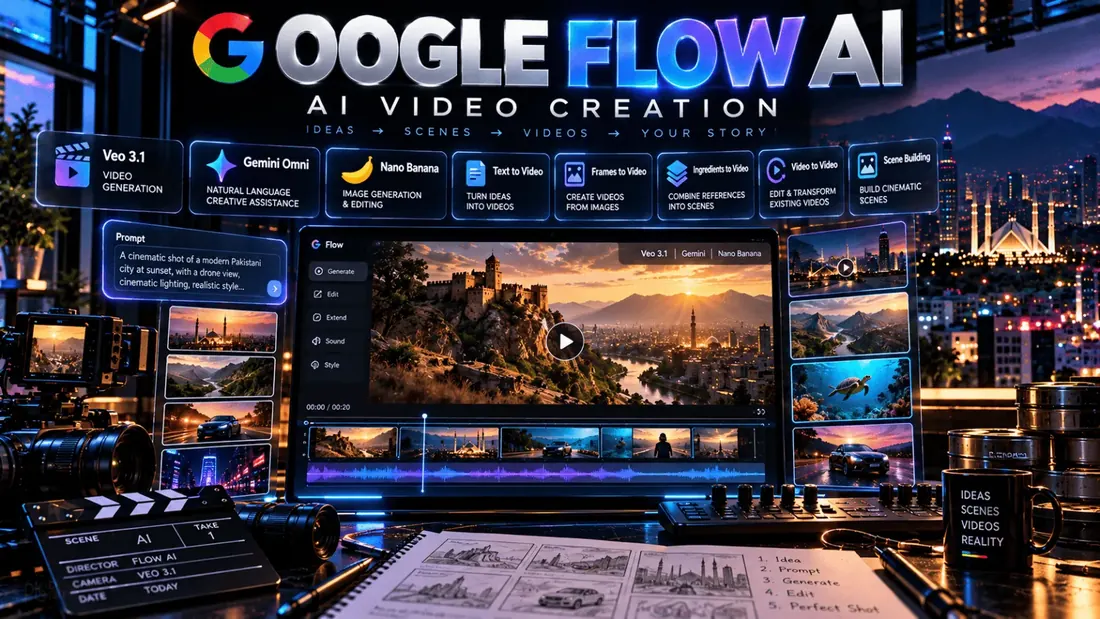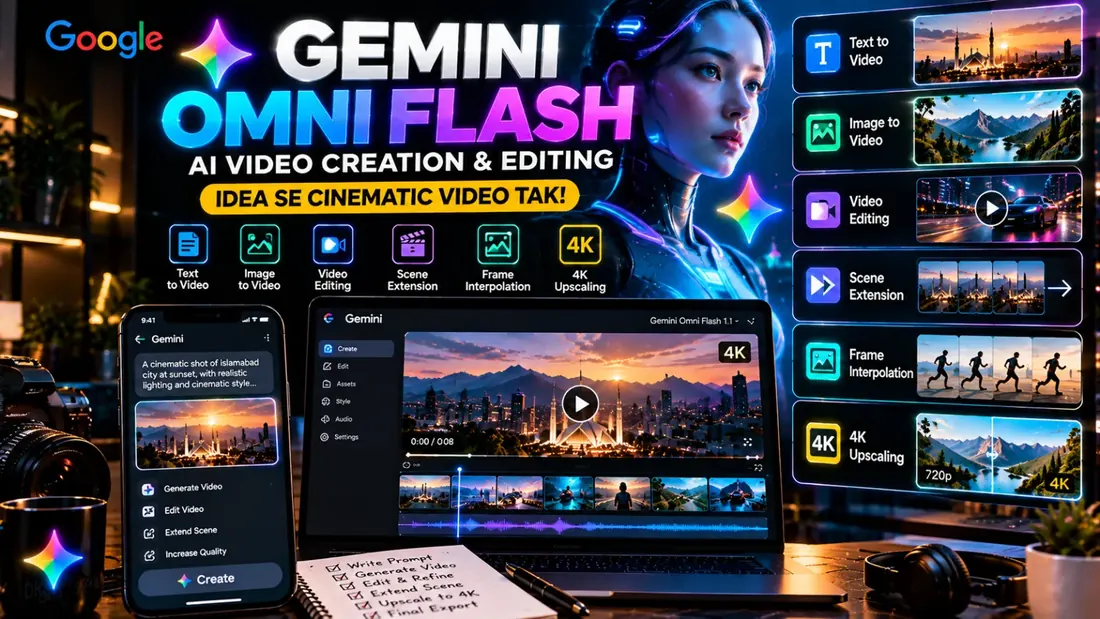
Gemini Omni Flash Google DeepMind ka AI video generation aur editing model hai jo text, images, video aur other multimodal inputs ko use karke high-quality videos create aur edit kar sakta hai. Iski khaas baat ye hai ke aap video ko sirf ek prompt se generate nahi karte, balki natural language conversation ke through usay step-by-step refine bhi kar sakte hain.
Gemini Omni Flash Kya Hai?
Gemini Omni Flash, Gemini Omni family ka video-focused model hai. Google ke mutabiq ye Gemini ki multimodal reasoning ko generative video ke sath combine karta hai aur text, image, audio aur video inputs ko understand karke video output create kar sakta hai.
Simple words mein, aap Omni Flash ko ek AI video creator + conversational video editor samajh sakte hain.
Gemini Omni Flash Se Kya Kar Sakte Hain?
- Text se AI videos generate karna
- Images ko animated videos mein convert karna
- Existing videos ko AI prompts se edit karna
- Video scenes extend karna
- First aur last frames ke darmiyan transition create karna
- Video resolution ko 1080p aur 4K tak upscale karna
- Characters aur scenes ko conversational edits ke through refine karna
- AI avatars ke through creative videos banana
Google ne Omni 1.1 Flash mein scene extension, first/last-frame interpolation aur high-resolution upscaling jaise features add kiye hain. 0
Gemini Omni Flash Ka Sab Se Interesting Feature
Omni Flash ka major difference iska conversational editing workflow hai. Aap generated video ko dobara start se banane ke bajaye simple instructions de sakte hain, jaise:
“Background ko sunset kar do.”
Phir:
“Camera movement ko slow karo aur lighting cinematic bana do.”
Is tarah multiple instructions ke through scene ko gradually refine kiya ja sakta hai.
Gemini Omni Flash 1.1 Kya Hai?
August 2026 mein Google ne Gemini Omni 1.1 Flash ko generally available developer model ke taur par release kiya. Iska current API model ID gemini-omni-1.1-flash hai, jabke purana preview model gemini-omni-flash-preview legacy version hai.
Current model 360p, 720p, 1080p aur 4K output options support karta hai, jahan 1080p aur 4K output upscaling ke through provide kiye ja sakte hain. Base video generation 3–10 second clips ke liye available hai, jabke scene extension workflow longer sequences create kar sakta hai. 1
Gemini Omni Flash Free Hai?
Access method ke according answer different hai.
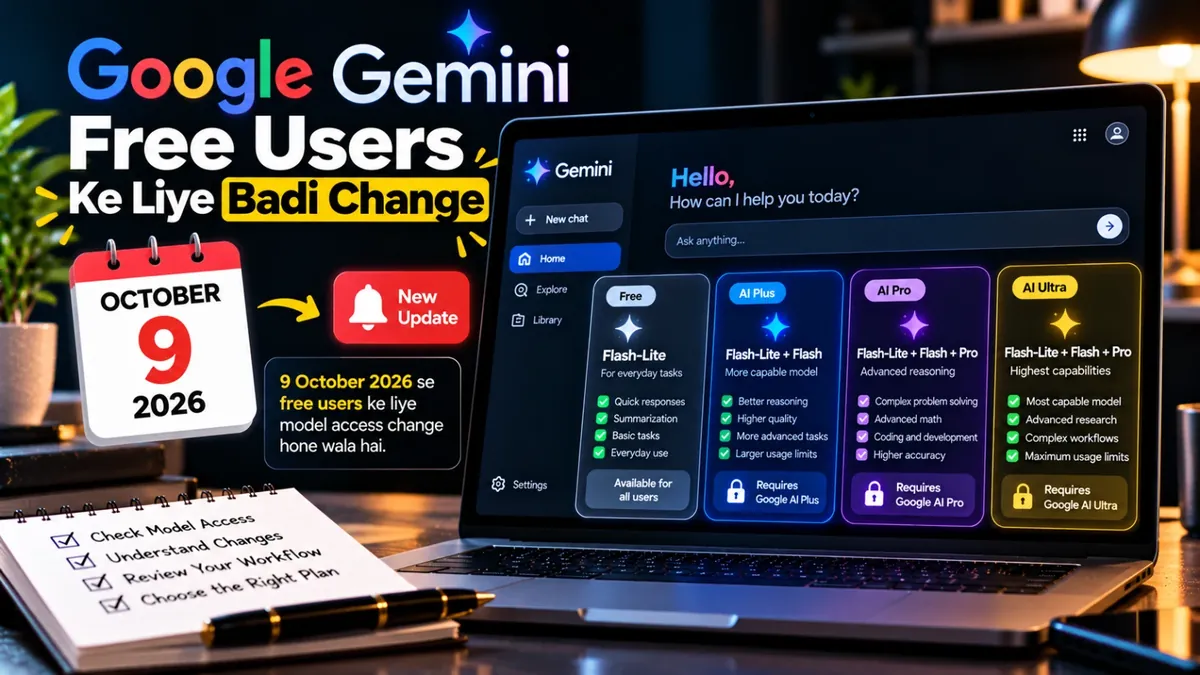
- Gemini App: Google AI Plus, Pro aur Ultra subscribers ke liye availability.
- Google Flow: Google AI subscribers ke liye Omni features available hain.
- YouTube Shorts: Google ne Omni Flash ko YouTube Shorts aur YouTube Create mein no-cost access ke sath roll out kiya hai.
- API: Developer API paid Gemini API tier par available hai.
Google ke official announcement ke mutabiq Gemini Omni Flash Gemini app, Google Flow aur YouTube Shorts mein roll out hua, jabke developer access baad mein Google AI Studio aur APIs ke through expand hua. Availability region aur product ke mutabiq vary kar sakti hai. 2
Gemini Omni Flash API Ki Price
Developers ke liye current Gemini Omni 1.1 Flash paid Gemini API tier mein available hai. Google ki pricing documentation ke mutabiq video output $17.50 per 1 million output tokens hai, jo 720p video ke liye approximately $0.10 per second effective rate ke barabar hai.
Example ke taur par 10-second 720p video ka effective generation cost approximately $1 banta hai, input aur applicable billing details ko alag consider karna hota hai. 3
Pakistan Mein Gemini Omni Flash Kaise Use Karein?
Agar aap Pakistan mein creator hain to sab se simple route apne available Google products ke through Omni Flash access check karna hai. Gemini app ya Google Flow mein apne Google AI plan ke according feature availability check karein, ya YouTube Shorts/Create mein available AI video features explore karein.
Developer ya automation workflow ke liye Google AI Studio ke through Gemini API access use kiya ja sakta hai.
Gemini Omni Flash Kis Ke Liye Useful Hai?
- YouTubers: B-roll, Shorts aur cinematic scenes ke liye
- Content Creators: social media videos ke liye
- Marketers: product ads aur promotional videos ke liye
- Freelancers: AI video projects aur client work ke liye
- Filmmakers: concepts, scenes aur visual experiments ke liye
- Businesses: product demonstrations aur creative campaigns ke liye
Gemini Omni Flash Ke Liye Better Prompt Kaise Likhein?
Simple prompt jaise “Make a cinematic video” ke bajaye scene ko detail mein describe karein. Subject, location, camera movement, lighting, action, mood aur visual style mention karein.
Example:
“Create a cinematic 8-second shot of a futuristic Pakistani city at sunset, slow camera push-in, realistic traffic, warm golden lighting, detailed architecture, shallow depth of field and natural cinematic motion.”
Video generate hone ke baad aap conversational editing use karke individual elements ko modify kar sakte hain.
Gemini Omni Flash Aur AI Video Creation
Omni Flash ka workflow traditional video editing se different hai. Pehle idea create karein, phir reference image ya video provide karein, initial scene generate karein aur uske baad natural-language instructions se result refine karein.
Ye workflow especially un creators ke liye useful ho sakta hai jo complex editing software ke baghair AI-assisted video production explore karna chahte hain.
Conclusion
Gemini Omni Flash Google ka video-focused multimodal AI model hai jo generation ke sath conversational editing ko bhi central workflow banata hai. Latest Omni 1.1 Flash release mein scene extension, frame interpolation aur high-resolution upscaling jaise capabilities add hui hain.
Agar aap AI videos, YouTube Shorts, advertising ya creative content banate hain to Gemini Omni Flash ko apne workflow mein test karke dekh sakte hain.