Microsoft Copilot ka latest update AI productivity tools ko ek naye direction mein le ja raha hai. Microsoft ne September 25, 2026 ko new Copilot experience announce kiya jisme Home, Code aur Autopilot ke saath Word, Excel aur PowerPoint ko Copilot experience ke andar connect kiya ja raha hai.
Yeh update especially freelancers, students, developers, marketers, entrepreneurs aur small-business owners ke liye interesting hai, kyunki Copilot ka focus sirf questions ke answers dene ke bajaye documents create karne, applications banane aur repetitive work delegate karne par bhi hai.
Microsoft Copilot Ka New Update Kya Hai?
New Microsoft Copilot ko ek centralized AI work experience ke taur par design kiya ja raha hai.
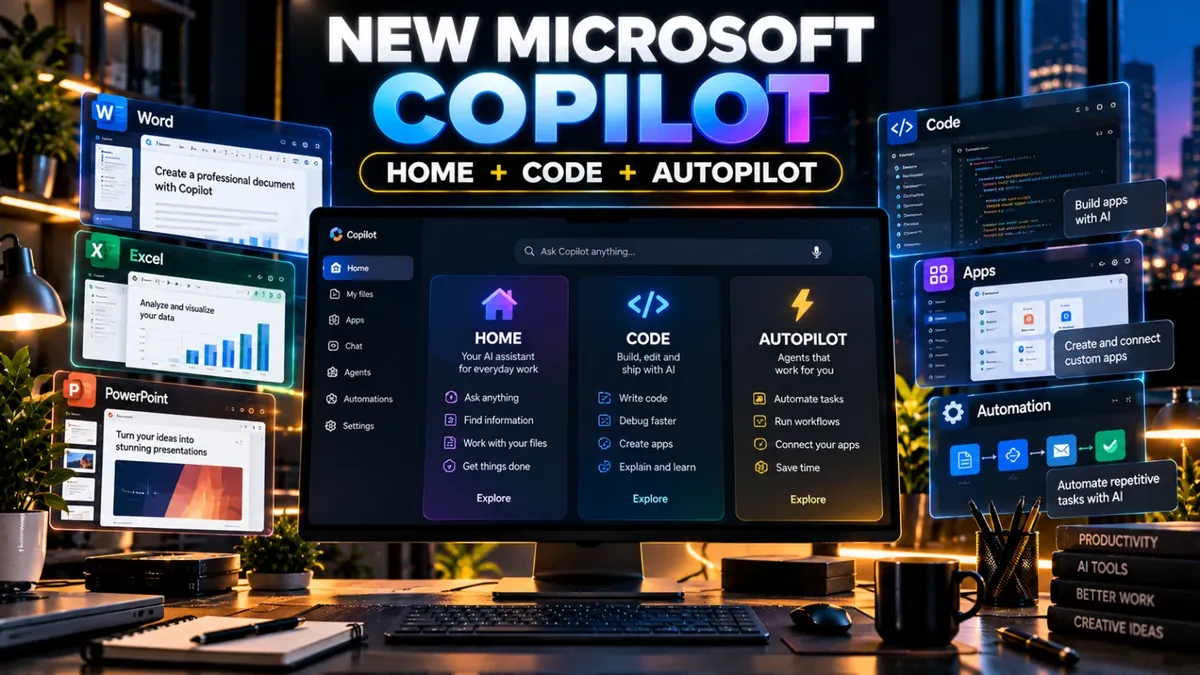
Microsoft ke mutabiq new Copilot mein teen important experiences hain:
- Home — daily AI work aur Copilot ke different capabilities ke liye central starting point.
- Code — natural language instructions se applications, dashboards aur automations build karne ka workflow.
- Autopilot — aisa AI agent jo defined tasks ko independently continue kar sakta hai.
1. Copilot Home Kya Karega?
Home new Copilot ka central starting point hai jahan Chat aur Cowork experiences ko combine kiya ja raha hai.
Microsoft ke according users yahan questions pooch sakte hain, information search kar sakte hain, drafts create kar sakte hain aur delegated work ke results ko manage kar sakte hain.
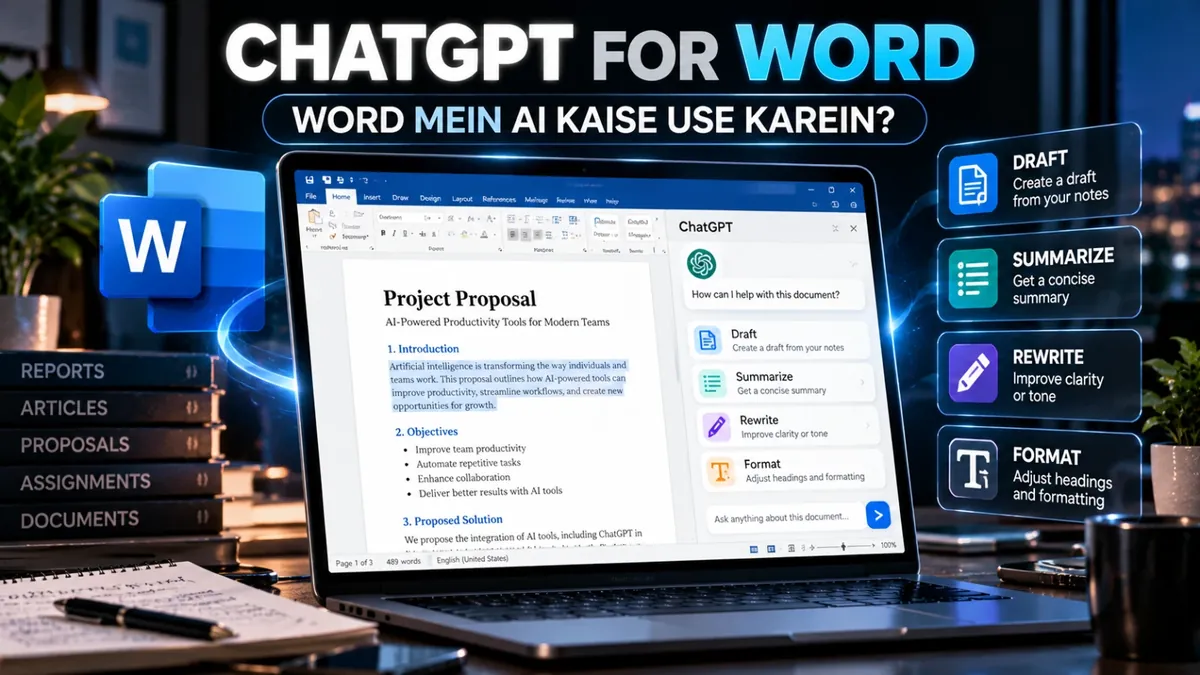
Is experience mein Word, Excel aur PowerPoint bhi directly connected hain. For example, user Copilot ko document draft karne, budget model prepare karne ya presentation create karne ka task de sakta hai.
2. Copilot Code Kya Hai?
New Copilot Code ka interesting part yeh hai ke software development ke liye har task manually code likhne ke bajaye natural-language instructions use ki ja sakti hain.
For example, conceptually aap keh sakte hain:
Build a simple sales dashboard where I can enter monthly sales and automatically calculate total revenue and growth.
Microsoft ke mutabiq Code applications, dashboards, automations aur workflows build karne mein help karta hai aur GitHub Copilot ki underlying technology par based hai.
Yeh freelancers aur small-business owners ke liye particularly interesting ho sakta hai jo simple internal tools banana chahte hain lekin har project ke liye full development workflow use nahi karna chahte.
3. Copilot Autopilot Kya Hai?
Autopilot new Copilot ka agentic component hai. Iska concept simple chatbot se different hai.
Normal chatbot mein aap prompt dete hain aur response receive karte hain. Autopilot ka purpose defined objective ke basis par longer-running work ko continue karna hai.
Microsoft ke mutabiq Autopilot ko role, name aur goal diya ja sakta hai. Yeh recurring work, follow-ups aur defined workflows ko continue karne ke liye designed hai.
For example, business environment mein ek recurring supplier-review workflow ko organize karne aur follow-ups manage karne jaisi activities ke liye agent use kiya ja sakta hai.
Word, Excel Aur PowerPoint Mein Kya Change Hoga?
New Copilot experience ka ek important part Office integration hai.
Microsoft ke mutabiq Copilot ke andar Word, Excel aur PowerPoint files create aur update ki ja sakti hain. Documents editable rehte hain aur Copilot aur Office applications ke darmiyan changes sync rehne ke liye design kiye gaye hain.
Iska practical use students aur freelancers ke liye bhi ho sakta hai:
- Word mein report ya proposal ka first draft.
- Excel mein budget ya data model.
- PowerPoint mein presentation structure aur slides.
- Existing Office files par AI-assisted editing.
Pakistan Mein Freelancers Isko Kaise Use Kar Sakte Hain?
Freelancers ke liye AI productivity ka real benefit repetitive work ko organize karna ho sakta hai.
For example, ek digital marketer client ke campaign ke liye Word proposal, Excel budget aur PowerPoint presentation prepare kar sakta hai. Ek developer simple internal dashboard ke initial version ke liye natural-language coding workflow explore kar sakta hai.
Lekin har task ke liye AI ko completely autonomous chhorna zaroori nahi. Sensitive data, financial calculations, client information aur important business decisions ko human review ke through verify karna chahiye.
New Copilot Kab Available Hoga?
Yahan ek important point hai: announcement ka matlab yeh nahi ke har user ko saare new features immediately mil gaye hain.
Microsoft ke mutabiq Home aur Code Frontier program mein coming weeks mein rollout honge, jabke Autopilot September ke end mein private preview mein expand hona hai.
Isliye availability aapke account, plan aur Microsoft ke rollout stage ke according different ho sakti hai.
Final Thoughts
Microsoft Copilot ka new direction AI ko simple assistant se ek broader work platform banane ki taraf move karta hai.
Home work ko centralize karta hai, Code natural language se software aur automations build karne ki direction mein ja raha hai, aur Autopilot longer-running tasks ko handle karne ke liye designed hai.
Students, freelancers, creators aur business owners ke liye iska sabse practical lesson yeh hai ke AI ka use sirf content generate karne tak limited nahi raha. Ab documents, data, presentations, coding aur repetitive workflows bhi AI-assisted ho rahe hain.
AI, productivity, design aur digital-work tools explore karna chahte hain?
Saste Tools ke available digital tools check karein →