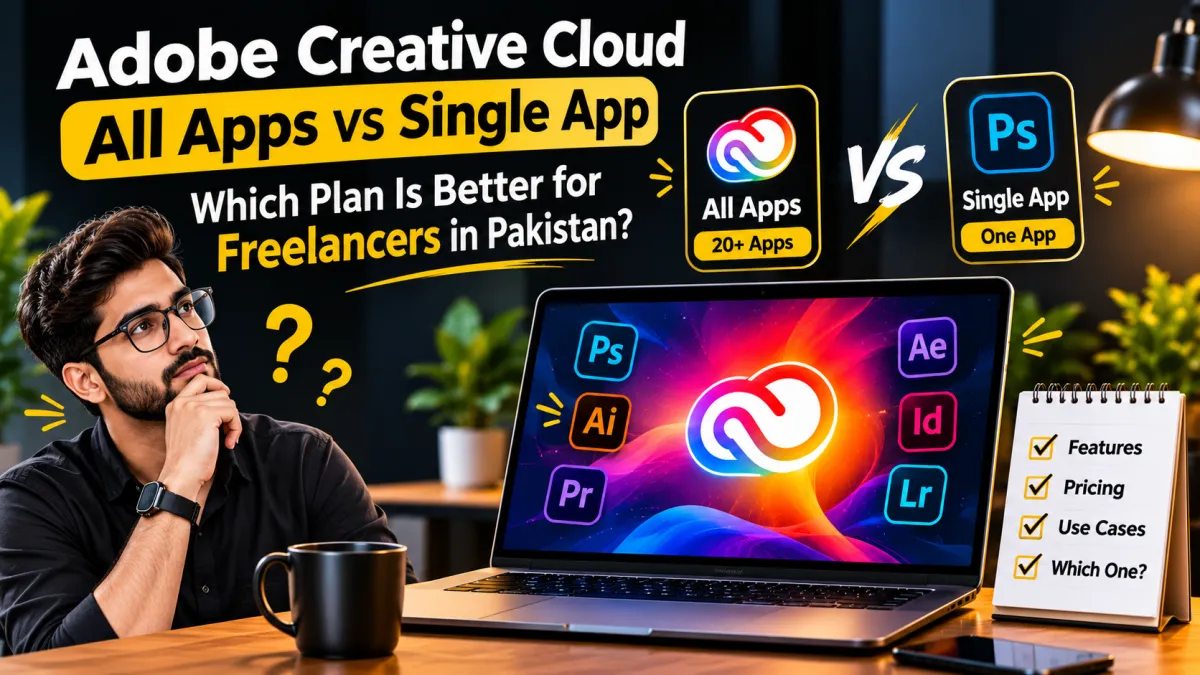
Adobe Creative Cloud All Apps vs Single App: Which Plan Is Better for Freelancers in Pakistan?
Freelancers often need professional software for graphic design, photo editing, video production and marketing. Adobe offers individual app subscriptions as well as a Creative Cloud bundle, but the most expensive plan is not automatically the best choice.
If you are a freelancer in Pakistan, the right subscription depends on the apps you use, your client projects, your budget and the billing terms. This guide explains how to compare the options before spending money.
What Is Adobe Creative Cloud?
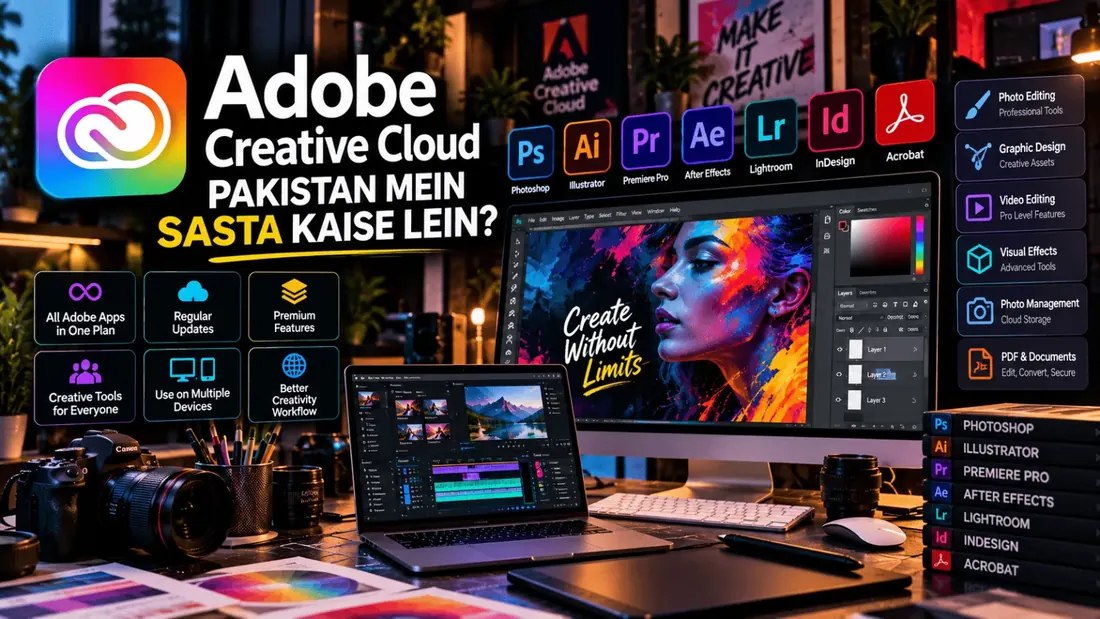
Adobe Creative Cloud is a collection of creative applications and services. Depending on the selected plan, it can include tools for photo editing, graphic design, video editing, illustration, page layout and document workflows.
Adobe's Creative Cloud Pro bundle includes more than 20 creative apps. Individual subscriptions let you pay for a particular app, which may be a better fit if your work relies on one main tool.
All Apps vs Single App: What's the Difference?
| Consideration | Single App plan | All Apps bundle |
|---|---|---|
| App access | One selected paid app | Multiple included creative apps |
| Best fit | Specialists who mainly use one application | Freelancers who regularly use several applications |
| Workflow | Focused on a specific type of work | Useful when projects cross design, photo and video workflows |
| Budget decision | Compare the cost of your essential app | Compare the bundle cost against the apps you would actually use |
| Learning curve | Focus on learning one tool | More tools to learn and maintain |
Included apps, storage, AI credits and other benefits depend on the current plan. Check Adobe's official plan details before buying.
When Does a Single App Plan Make Sense?
- Photo editors: If most paid work is photo retouching and image manipulation, a Photoshop-focused plan may be sufficient.
- Photographers: Compare Photoshop-only access with photography-focused plans that may include Lightroom.
- Video editors: If your main workflow is video production, evaluate a Premiere-focused plan before paying for apps you rarely use.
- Illustrators: If your work is centred on vector graphics, assess whether Illustrator alone covers your needs.
Choose based on your real project requirements, not simply because a particular app is popular.
When Is the All Apps Bundle Worth Considering?
The bundle can be useful when you genuinely work across multiple creative disciplines. For example, a content production freelancer might use Photoshop for images, Illustrator for vector artwork and Premiere Pro for video projects.
- Creative agencies and multi-skilled freelancers: Several applications may be needed for different client deliverables.
- Video and social media teams: Projects may require editing, graphics and supporting creative tools.
- Designers handling varied briefs: Client requirements can range from photo edits to layouts and illustrations.
However, having access to more apps does not guarantee better value. Estimate how many included applications you will use regularly and whether they improve your paid workflow.
How Should Freelancers in Pakistan Compare the Cost?
Adobe's official website lists different prices for individual applications and bundles. Displayed prices may vary by region, taxes, billing method, promotions and subscription terms. Do not assume that a price shown in US dollars is the final amount charged in Pakistan.
- List the applications you need for current client projects.
- Check each relevant official plan and its billing period.
- Compare the total cost for the same period, including applicable taxes and currency conversion.
- Check whether an advertised introductory price changes at renewal.
- Review cancellation terms and any annual commitment before paying.
Use the current official prices for your account when doing the calculation; avoid relying on old screenshots or unverified reseller offers.
Example: Which Plan Might Suit Your Work?
| Your freelance work | What to compare first |
|---|---|
| Photo retouching | Photoshop and photography-focused options |
| Vector logos and illustrations | Illustrator-focused access |
| Video editing | Premiere-focused access |
| Mixed design, image and video projects | Single-app total cost versus the All Apps bundle |
| Occasional design tasks | Whether a paid Adobe subscription is needed at all |
Subscription Safety Checklist
- Confirm the exact Adobe product and plan name.
- Check whether the subscription is individual, student, team or another license type.
- Read renewal, cancellation and refund conditions.
- Understand which account owns the subscription and who controls recovery.
- Avoid sharing passwords or verification codes with a seller.
- Confirm the final price and delivery terms before making payment.
Frequently Asked Questions
Is Adobe Creative Cloud All Apps better than a Single App plan?
Not for everyone. The bundle may suit people who regularly use several included apps, while a single-app plan may fit specialists better.
Does the All Apps plan include every Adobe product?
No. Check the current plan's included-app list and exclusions. Do not assume every Adobe service or add-on is included.
Can freelancers in Pakistan subscribe directly?
Check Adobe's official website for the options and payment methods currently offered to your account and region. Confirm the final checkout price and terms.
Should I buy an annual plan to save money?
Compare the total annual cost and commitment with your expected usage. A lower monthly equivalent may still involve a longer contract or early-cancellation charges.
Final Verdict
If your freelance work depends on one main Adobe application, start by comparing the relevant single-app plan. If you regularly use several included applications for paid projects, compare their combined cost with the Creative Cloud bundle.
The smartest choice is the plan that supports your actual workflow at a cost your business can justify—not the plan with the longest feature list.
Explore the available digital products and services at Saste Tools, compare the exact subscription terms, and choose an option that fits your needs and budget.