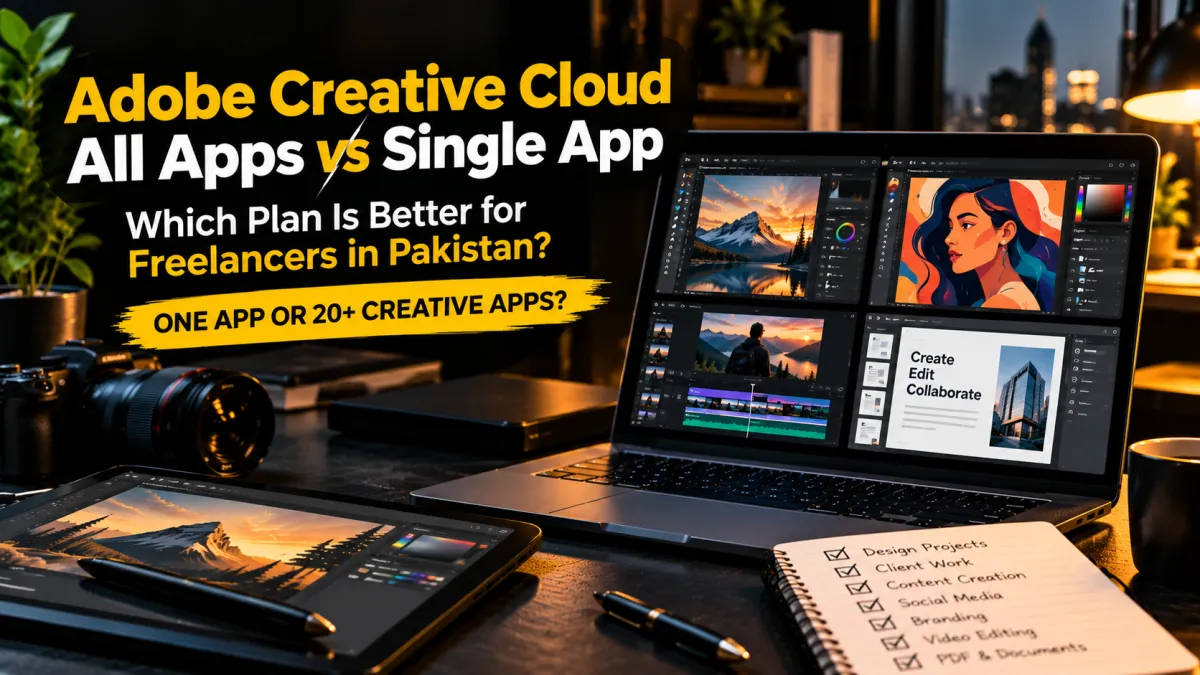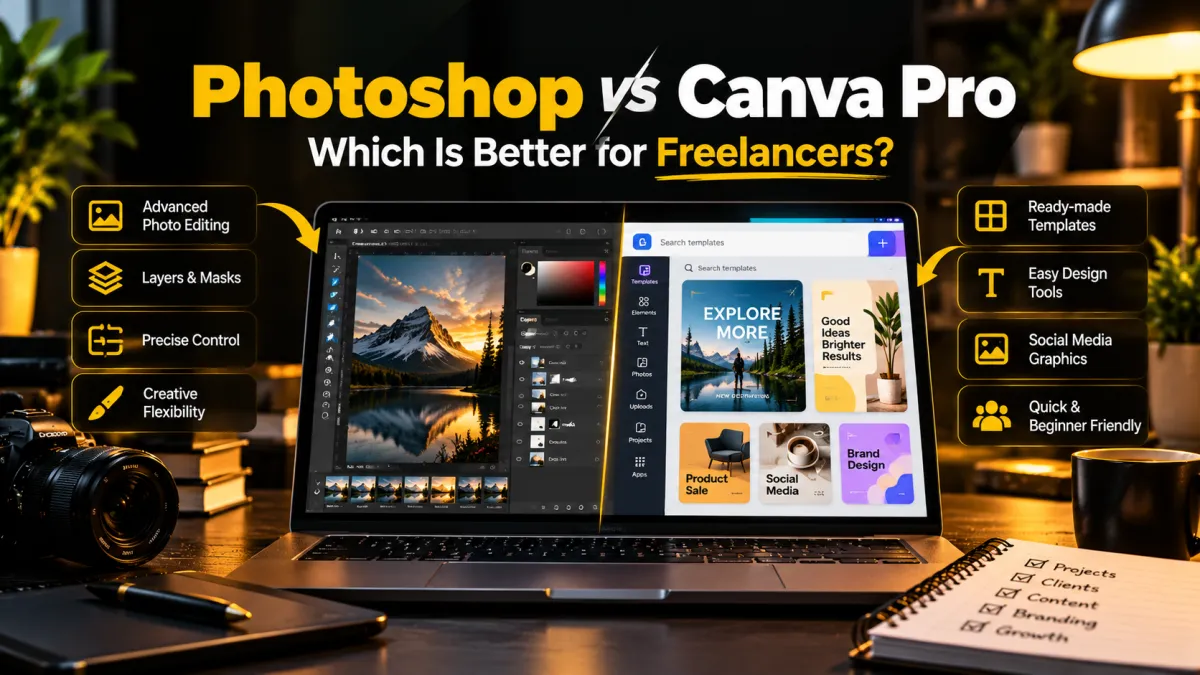
Adobe Creative Cloud Pro vs Single App: Which Is Better for Freelancers?
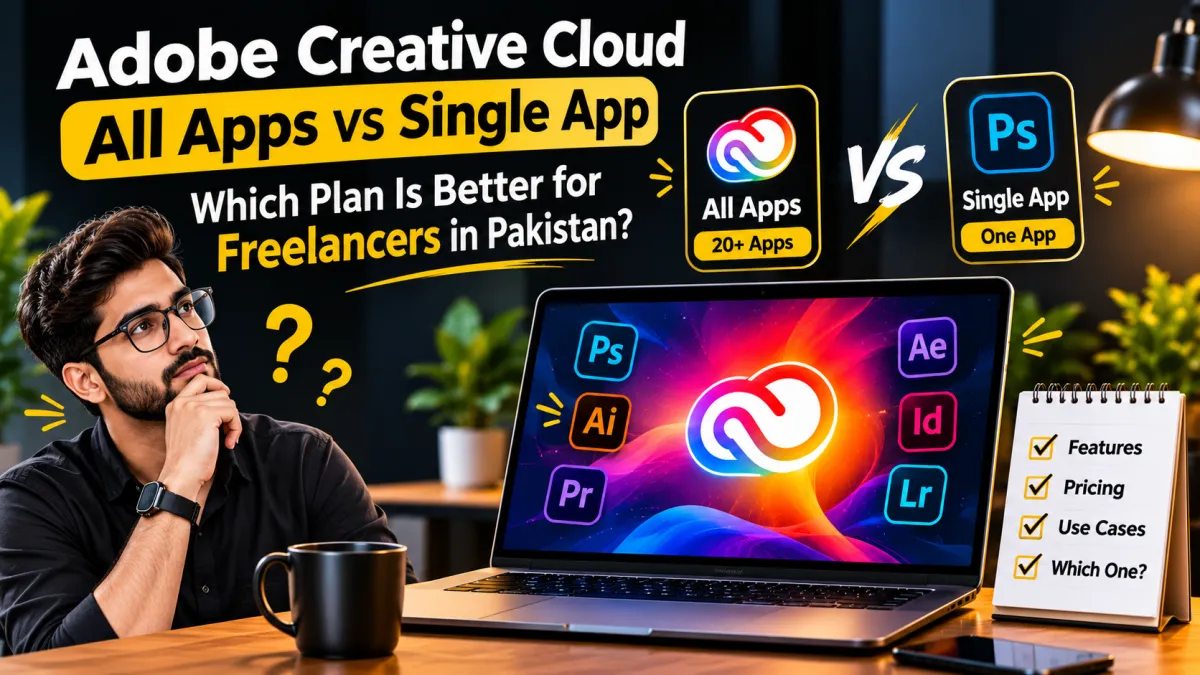
Choosing an Adobe subscription can be confusing, especially when you are a freelancer trying to control software expenses. Should you pay for one application such as Photoshop, or choose a plan that gives you access to multiple creative applications?
The right decision depends on your workload, the applications you use, and whether you need advanced creative features. This guide explains the differences between Adobe Creative Cloud Pro and Single App plans so you can make an informed choice.
1. What Is Adobe Creative Cloud Pro?
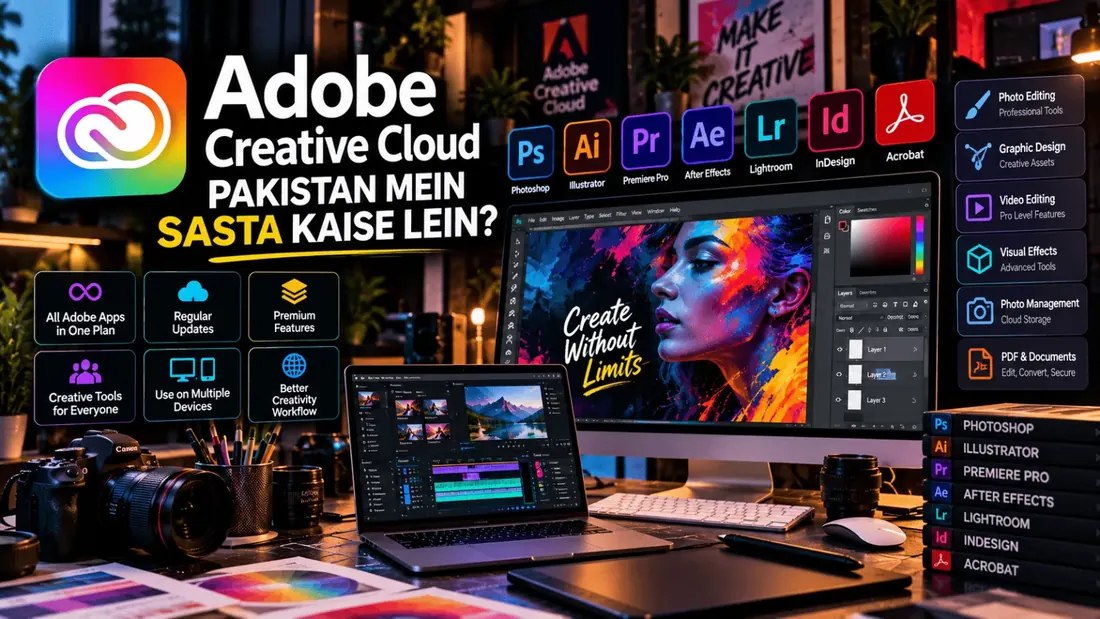
Adobe Creative Cloud Pro is a subscription plan that provides access to more than 20 creative applications and services. It is designed for people who work across different creative disciplines.
Depending on the current plan and region, its applications and services include:
- Adobe Photoshop for photo editing and image manipulation.
- Adobe Illustrator for vector graphics and illustrations.
- Adobe Premiere for professional video editing.
- Adobe After Effects for motion graphics and visual effects.
- Adobe InDesign for layouts and publishing.
- Adobe Lightroom for photography workflows.
- Adobe Acrobat Pro for PDF creation and editing.
- Adobe Firefly for AI-assisted creative workflows.
The plan also includes additional creative resources and cloud services. Check Adobe's official plan details for the current regional inclusions.
2. What Is an Adobe Single App Plan?
A Single App plan gives you access to one selected Adobe application. For example, you may subscribe to Photoshop if photo editing and graphic design are your primary activities.
This option can make sense if you consistently use one application and do not need the broader Creative Cloud application collection.
Examples of Single App users
- Photographers who primarily use Photoshop or Lightroom.
- Graphic designers who work mainly in Illustrator.
- Video editors who primarily use Premiere.
- Motion designers who mainly work in After Effects.
3. Adobe Creative Cloud Pro vs Single App: Key Differences
| Feature | Creative Cloud Pro | Single App |
|---|---|---|
| Applications | 20+ creative applications | One selected application |
| Photoshop | Included | Available if selected |
| Illustrator | Included | Available if selected |
| Premiere | Included | Available if selected |
| After Effects | Included | Available if selected |
| Multiple creative workflows | Better suited | Limited to the selected app |
| Best for | Multi-discipline creatives | Specialists using one app |
Features, storage, generative credits, and app availability can vary by region and subscription type. Always check the plan details before purchasing.
4. Which Plan Is Better for Different Freelancers?
Graphic Designers
If your work involves Photoshop, Illustrator, and InDesign, Creative Cloud Pro may be more practical because you can use different applications for different stages of a project.
Video Editors
If you only edit videos in Premiere, a Single App plan may be sufficient. If you also create motion graphics in After Effects and graphics in Photoshop, Creative Cloud Pro deserves consideration.
Photographers
Photographers who mainly use one application should evaluate a Single App or photography-focused plan. Those who also create advanced graphics and video content may benefit from broader access.
Content Creators
Creators who design thumbnails, edit videos, prepare social media graphics, and work with different creative formats may find access to multiple applications useful.
5. Is Creative Cloud Pro Worth It?
Creative Cloud Pro can be a practical option if you regularly use multiple Adobe applications. Instead of maintaining separate subscriptions for several tools, you can access a wider creative toolkit through one plan.
However, having access to more applications does not automatically make a subscription better value. If you only use Photoshop, paying for a larger collection of apps may not be necessary.
Evaluate your actual monthly workload rather than purchasing a plan simply because it includes more software.
6. How to Choose the Right Adobe Plan
- List the Adobe applications you currently use.
- Identify which applications are essential for paid client work.
- Consider whether you expect to use additional applications in the next few months.
- Compare the current subscription costs for your region.
- Check the billing commitment, renewal terms, and cancellation conditions.
- Confirm device compatibility and account requirements.
7. Check Adobe's Current Pricing Before Buying
Adobe subscription prices can vary according to region, promotional offers, billing periods, and whether the plan is for individuals or teams.
For this reason, avoid relying on old screenshots or outdated pricing articles. Review the current official plan page before making a purchase.
View Adobe Creative Cloud plans and pricing
Frequently Asked Questions
Does Creative Cloud Pro include Photoshop?
Yes. Adobe lists Photoshop among the applications included in Creative Cloud Pro. Check the current regional plan details for confirmation.
Can I use multiple Adobe applications with a Single App plan?
A Single App subscription is intended for one selected application. Access to other applications depends on their own plan or separate entitlements.
Is Creative Cloud Pro better for freelancers?
It can be a better fit for freelancers who regularly work across several creative disciplines. Freelancers who specialize in one application may find a Single App plan sufficient.
Can I change my Adobe subscription later?
Adobe provides options to change eligible subscriptions. The available process and terms depend on how you purchased your plan. Review Adobe's account and subscription guidance before changing plans.
Are Adobe plans and prices the same in every country?
No. Pricing, promotions, taxes, and plan availability can differ by country and account type.
Final Verdict
There is no single best Adobe subscription for every freelancer.
- Choose Single App if you mainly depend on one Adobe application.
- Consider Creative Cloud Pro if your projects regularly require multiple Adobe applications.
The smartest subscription is the one that supports your actual workflow without adding unnecessary expenses. Compare the current features and billing terms before making your decision.
Plan details checked against Adobe's official information. Features and pricing may change; verify the current offer in your region before purchasing.