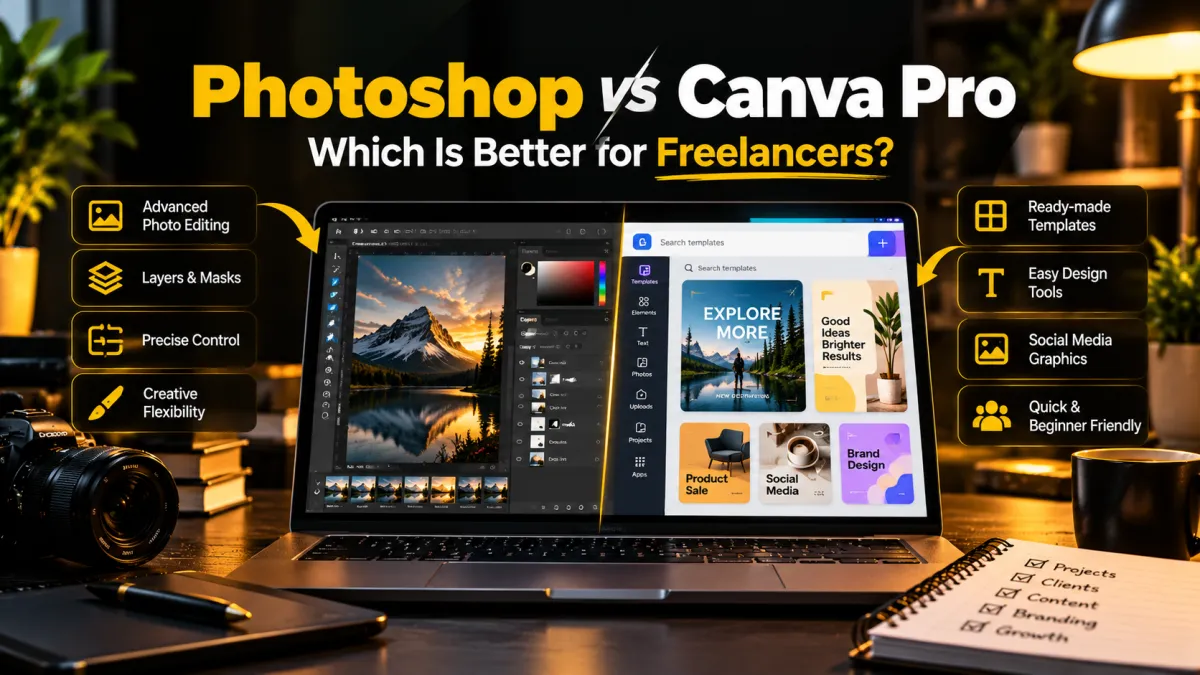
Photoshop vs Canva Pro: Which Is Better for Freelancers in Pakistan?
Choosing the right design software can affect your workflow, the quality of your work and how quickly you deliver projects to clients. Two popular options are Adobe Photoshop and Canva Pro, but they are built around different design approaches.
Photoshop provides detailed image-editing and compositing controls. Canva focuses on accessible design workflows, templates and content creation. The better option depends on the work you do, the features you need and your budget.
What Is Adobe Photoshop?
Adobe Photoshop is a professional image-editing application used for photo retouching, compositing, detailed selections, layered designs and other visual work. It also includes AI-powered editing capabilities, although available features depend on the current plan and version.
Photoshop is worth considering if your projects require precise control over images, complex edits or detailed creative workflows.
What Is Canva Pro?
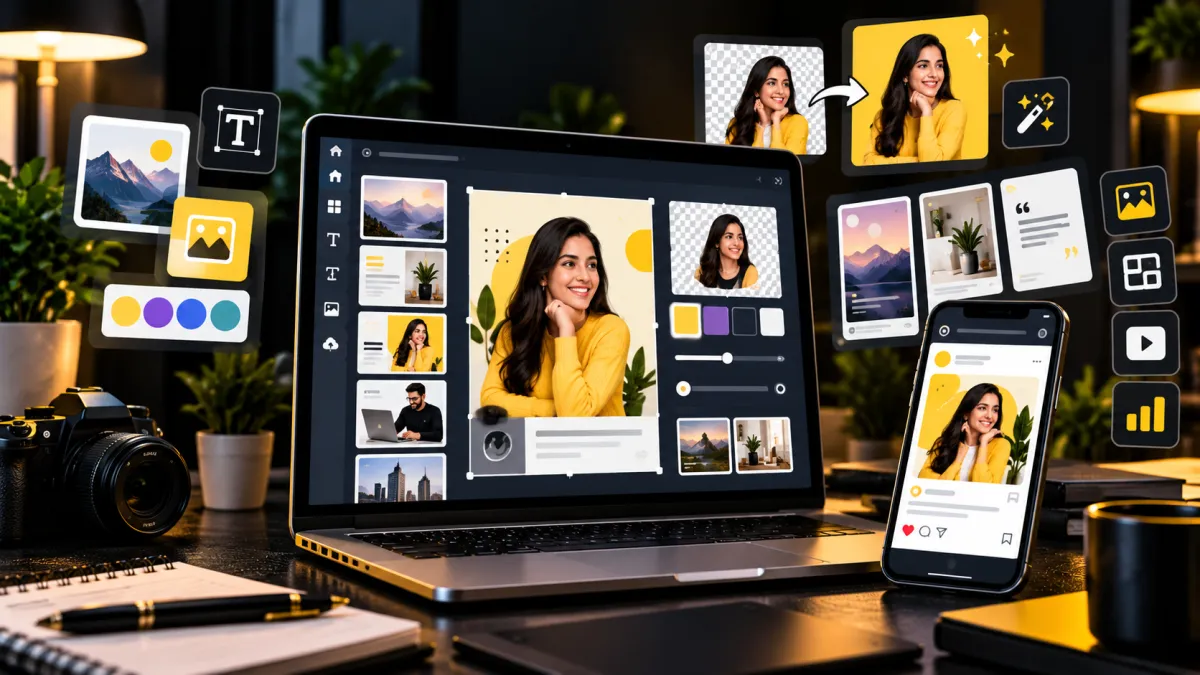
Canva is a design platform built around templates and accessible content-creation tools. Canva Pro adds paid capabilities such as premium content, brand tools and AI-powered features, subject to the current plan terms.
It can be useful for freelancers who create social media graphics, presentations, marketing materials, thumbnails and branded content on a recurring basis.
Photoshop vs Canva Pro: Key Differences
| Factor | Adobe Photoshop | Canva Pro |
|---|---|---|
| Best suited to | Detailed image editing and compositing | Template-led design and content creation |
| Editing approach | Layers, masks, selections and precise controls | Templates, drag-and-drop layouts and quick edits |
| Learning curve | Usually steeper for beginners | Generally easier to start with |
| Social media graphics | Useful for custom, detailed visuals | Convenient for recurring posts and layouts |
| Photo retouching | Strong choice for advanced editing | Better suited to simpler visual adjustments |
| Brand consistency | Can be built into a professional workflow | Brand tools can simplify repeated designs |
This is a practical comparison, not a claim that either tool can perform every task better. Specific capabilities depend on the version, subscription and workflow.
Which Tool Is Better for Different Freelancers?
1. Social Media Managers
If you create regular posts, promotional graphics, simple presentations and branded content, Canva Pro may fit your workflow better. Templates and reusable brand elements can help you maintain consistency across deliverables.
2. Graphic Designers
If your work involves detailed photo manipulation, layered compositions, complex cutouts or precision editing, Photoshop is likely the more suitable primary tool. Canva can still complement it for quick layouts and client-facing content.
3. E-commerce Sellers
Canva may be convenient for banners, promotional posts and product announcements. Photoshop may be more suitable when you need detailed product-photo retouching or advanced image compositing.
4. YouTubers and Content Creators
Canva can simplify thumbnail layouts and channel graphics. Photoshop gives you more detailed control when a thumbnail needs complex image manipulation or custom visual effects.
5. Beginners Learning Design
Canva is often easier for getting started with layouts and ready-made designs. Photoshop may take longer to learn, but its advanced editing workflows can be valuable for people pursuing professional image-editing work.
Can You Use Both Tools?
Yes. Many creative workflows benefit from using different tools for different tasks. You might edit and prepare a photograph in Photoshop, then use a template-based platform to build a social media campaign around it.
However, you do not need both subscriptions automatically. Start with the tool that solves your most frequent problem, and add another only when the extra capabilities justify the cost.
What Should You Check Before Buying a Subscription in Pakistan?
- Current plan: confirm the exact subscription and features included.
- Price and billing: check the current price, currency, taxes and renewal terms.
- Device compatibility: make sure the plan works on your computer or phone.
- Account or license type: understand exactly what the seller is providing.
- Support policy: review delivery, replacement and refund terms before paying.
- Commercial use: check the licensing terms for assets and content used in client work.
Where Can You Verify the Official Details?
Subscription pricing and features can change. Check the providers' official pages before purchasing:
Frequently Asked Questions
Is Canva Pro better than Photoshop?
Neither is universally better. Canva Pro is convenient for template-based content creation, while Photoshop is better suited to detailed image editing and compositing.
Can beginners use Photoshop?
Yes, but beginners may need more time to learn its tools and editing concepts than they would with a template-based design platform.
Is Canva Pro enough for freelance design work?
It can be enough for many social media, presentation and marketing-design projects. More technically demanding image-editing work may require Photoshop or another advanced editor.
Should I buy both subscriptions?
Only if both tools provide value for your actual workload. Compare the tasks you complete most often with the features included in each plan.
Final Verdict
Choose Canva Pro if your priority is producing consistent designs quickly with templates and brand tools. Choose Photoshop if your work depends on advanced photo editing, compositing and precise creative control. If your workload spans both areas, consider a combined workflow only when the cost makes sense.
Looking for design subscriptions? Explore the available design products at Saste Tools, and verify the exact plan, duration, access method and support terms before placing an order.