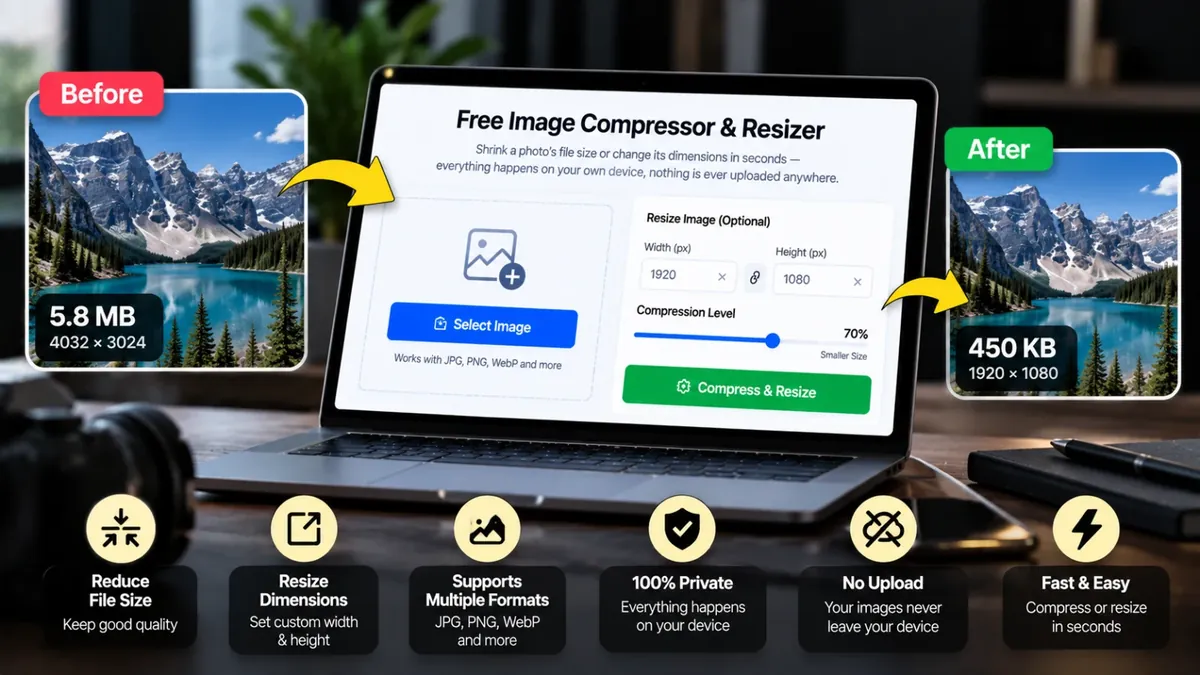
Shrink a photo's file size or change its dimensions in seconds — everything happens on your own device, nothing is ever uploaded anywhere.
Large photos slow down websites and get rejected by forms that have a file size limit. An image compressor reduces the file size, and a resizer changes the width and height, so your pictures are easier to upload, email and share.
Choose a percentage or exact dimensions, pick JPG, WebP or PNG, set the quality and download the result. Everything runs on your own device, so your photos are never uploaded to a server. Lower quality means a smaller file, so try a few settings to find the balance you need.
Roman Urdu mein: Photo ka size kb ya mb mein kam karna ho, jaise form, job application ya website par upload ke liye, to ye free Image Compressor aur Resizer istemal karein. Photo chunein, quality ya size select karein aur compress ki hui photo download kar lein. Aap ki photo aap ke browser mein hi rehti hai.
Click the box, drag and drop, or paste a JPG, PNG or WebP image (up to 25MB).
Pick 100%, 75%, 50% or 25%, or type exact width and height. Select the format and quality.
Check the new file size in the result panel and download your image.
No. Compression and resizing happen entirely inside your own browser using the Canvas API — your images never leave your device.
Resizing changes the image's width/height (dimensions). Compressing keeps the dimensions but reduces file size by adjusting quality — this tool lets you do either one, or both together.
JPG gives the smallest file size for photos. WebP usually compresses even smaller at similar quality and is well supported by modern browsers. PNG keeps transparency but produces larger files, so use it only if you need a transparent background.
No limit — it's completely free to use as many times as you need, with no watermark added to your images.
Keep the quality between about 70% and 85%, use WebP or JPG for photos, and resize very large images down to the size you actually need.
Lower the dimensions first, then reduce the quality a little at a time and check the file size shown before downloading.
Photo upload karein, quality ya size chunein aur compress karein. Download se pehle naya size dekh lein. Chahein to dimensions (lambai chaurai) bhi chhote kar sakte hain.
Agar aap ko is se zyada features chahiye hon to ye premium tools Saste Tools par sasti qeemat mein milte hain.