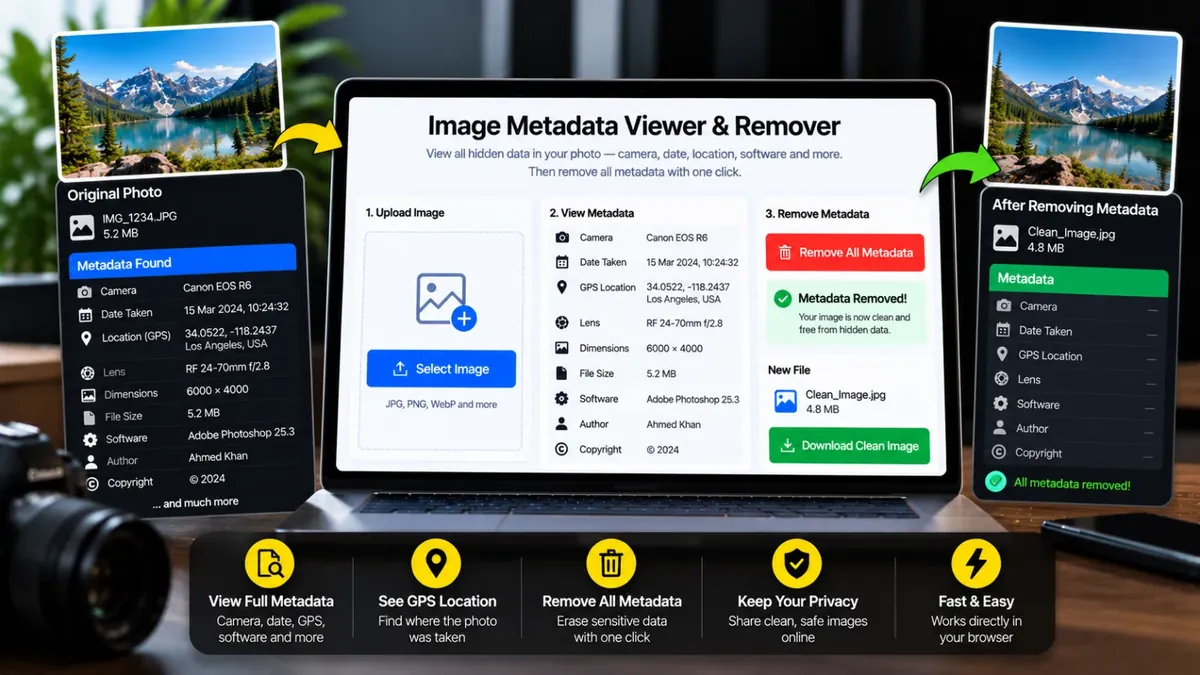
Kisi bhi photo ka poora hidden data dekhein: camera, date, GPS location, software aur bohot kuch. Phir ek click mein saara metadata hata dein.
Image ko dobara bana kar save kiya jata hai, is se EXIF, GPS, XMP, IPTC sab hat jata hai. Original file waisi hi rehti hai.
Every photo can carry hidden data called metadata: the phone or camera model, the exact date and time, the GPS location, the editing software and sometimes the owner name. This tool reads all of it and shows it in clear groups, with a privacy report that highlights what could reveal too much.
When you are ready to share, create a clean copy with all metadata removed. Choose the format, quality and maximum size, and the tool checks the clean file to confirm no tags are left. Everything happens in your browser, so your photo is never uploaded.
Roman Urdu mein: Har photo ke andar chhupi maloomaat hoti hai, jaise phone ka model, waqt aur kabhi kabhi GPS location. Ye tool wo sab dikhata hai aur ek click mein hata bhi deta hai, taake photo share karte waqt aap ki location mehfooz rahe. Sab kuch aap ke browser mein hota hai.
Click the box, drag and drop, or paste an image.
Open each group or search for a field like GPS or Model. Export it as JSON or TXT if you need it.
See if the photo shows a location, device, owner name or date.
Open Remove Metadata, pick the format and quality, and download the clean copy.
Ye photo ke andar chhupa hua data hai jaise camera ya phone ka model, date aur time, GPS location, exposure settings aur editing software. Photo dekhne mein ye nazar nahi aata.
Agar photo lete waqt phone ka location on tha aur photo original file ke tor par bheji gayi to GPS metadata mein maujood hota hai. Share karne se pehle is tool se metadata hata dein.
Nahi. Poora kaam aap ke apne browser mein hota hai, image kisi server par nahi jati.
Clean copy image ko dobara save kar ke banti hai. PNG mein quality bilkul same rehti hai. JPG aur WebP mein 92% quality par farq nazar nahi aata, aur 100% par bilkul kam farq hota hai.
WhatsApp, Telegram aur Facebook privacy ke liye original metadata hata dete hain. Original file ya Document ke tor par bheji gayi image mein ye data bach jata hai.
HEIC ka metadata dekh sakte hain, lekin browser HEIC se clean copy nahi bana sakta. Pehle site ke HEIC to JPG tool se JPG banayein, phir metadata hatayein.
Upload the photo, open the Remove Metadata tab, choose a format and download the clean copy. The tool then shows how many metadata tags remain in the new file.
Photo tool mein kholein, metadata dekhein aur Remove dabayein. Phir saaf ki hui photo download kar lein, usmein GPS aur camera ki maloomaat nahi hongi.
Agar aap ko is se zyada features chahiye hon to ye premium tools Saste Tools par sasti qeemat mein milte hain.