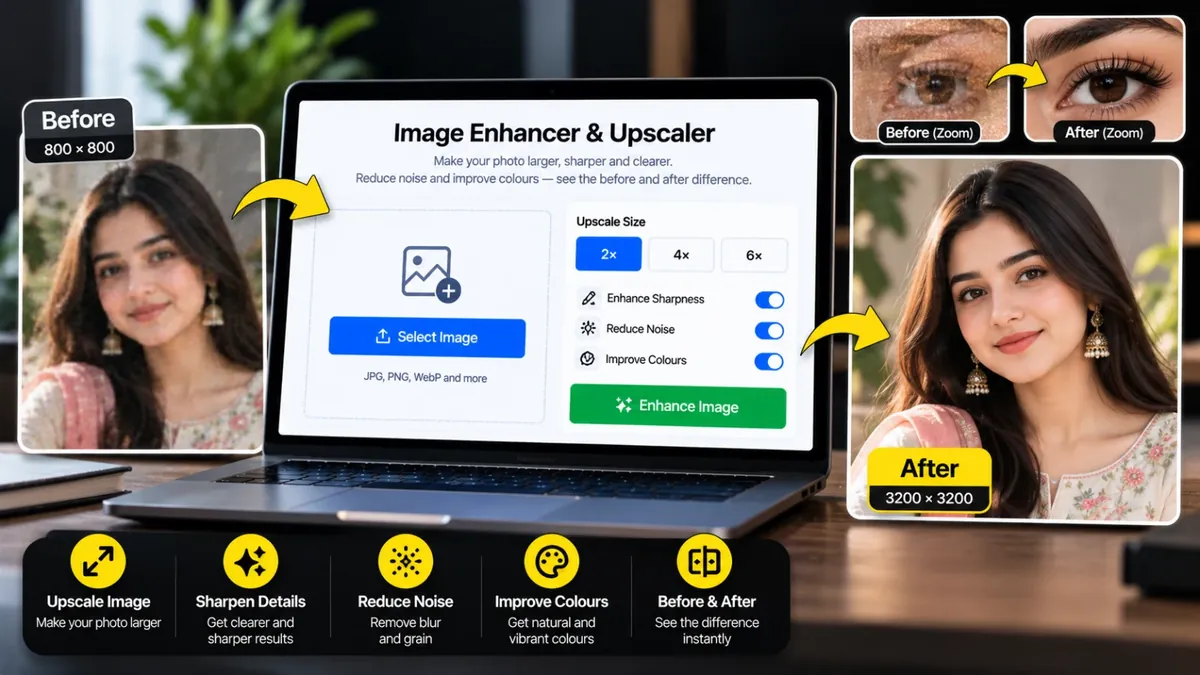
Photo ko bara karein, sharp karein aur noise aur colour theek karein. Pehle aur baad ka farq saath dekhein.
An image enhancer makes a photo larger and cleaner: it increases the pixel size, sharpens soft edges, reduces grain and balances brightness and colour. It is useful for small profile pictures, old phone photos, product images and screenshots that look soft when enlarged.
Quick mode works instantly with smooth upscaling and clean-up. AI mode uses a small super-resolution model that runs in your browser and adds believable detail to small, blurry photos. No tool can bring back detail that was never captured, so judge the result with the before and after slider and pick what looks best.
Roman Urdu mein: Dhundli ya chhoti photo ko bara aur saaf karne ke liye ye Image Enhancer istemal karein. Quick ya AI upscaling, noise kam karna aur rang theek karna, sab kuch browser mein hota hai aur aap pehle aur baad ka muqabla dekh sakte hain. Bohat kharab photo ko bilkul asli jaisa nahi banaya ja sakta.
Click the box, drag and drop, or paste a JPG, PNG or WebP image.
Pick Quick or AI Enhance, then 1x, 2x, 3x or 4x.
Adjust sharpness, noise, brightness and colour while you check the before and after slider or zoom to 100%.
Save the result as JPG, PNG or WebP.
Nahi. Tool sharpness aur detail behtar karta hai, lekin jo detail photo mein kabhi thi hi nahi woh wapas nahi aati. Halki dhundli ya chhoti photos mein farq nazar aata hai, bohat zyada kharab photos mein kam.
Quick mode foran chalta hai aur photo ko smooth tareeqe se bara karke sharp karta hai. AI mode ek chhota AI model use karta hai jo chhoti photos mein zyada detail banata hai, lekin thora waqt leta hai aur sirf chhoti photos par chalta hai.
Nahi. Sab kuch aap ke browser mein hota hai. AI mode ke liye pehli dafa chhota model download hota hai, lekin aap ki photo device se bahar nahi jati.
AI mode sirf chhoti photos ke liye hai kyunke bari photos par bohat der lagti hai. Bari photo par Quick mode use karein, woh pehle se kaafi bara hota hai.
Output ka size aap ke device ki memory par depend karta hai. Agar 4x bohat bara ho jaye to tool khud size limit kar deta hai aur aap ko bata deta hai.
JPG chhoti file deta hai, PNG best quality deta hai lekin file bari hoti hai, aur WebP dono ke darmiyan achha option hai.
Upload the image, choose a size such as 2x, adjust sharpness and noise, compare with the slider and download the result. No account is needed.
Photo upload karein, upscale ka option chunein aur pehle-baad ka muqabla dekhein. Pasand aaye to download karein. Bohat dhundli photo mein had se zyada behtari mumkin nahi hoti.
Agar aap ko is se zyada features chahiye hon to ye premium tools Saste Tools par sasti qeemat mein milte hain.